B2B Website Conversion Rate Optimization: The Playbook for Pipeline, Not Rate Tricks
B2B website conversion rate optimization is not a checklist of button colors. Here is the systematic playbook: find the leak, fix the message, cut friction, and tie every change to pipeline.
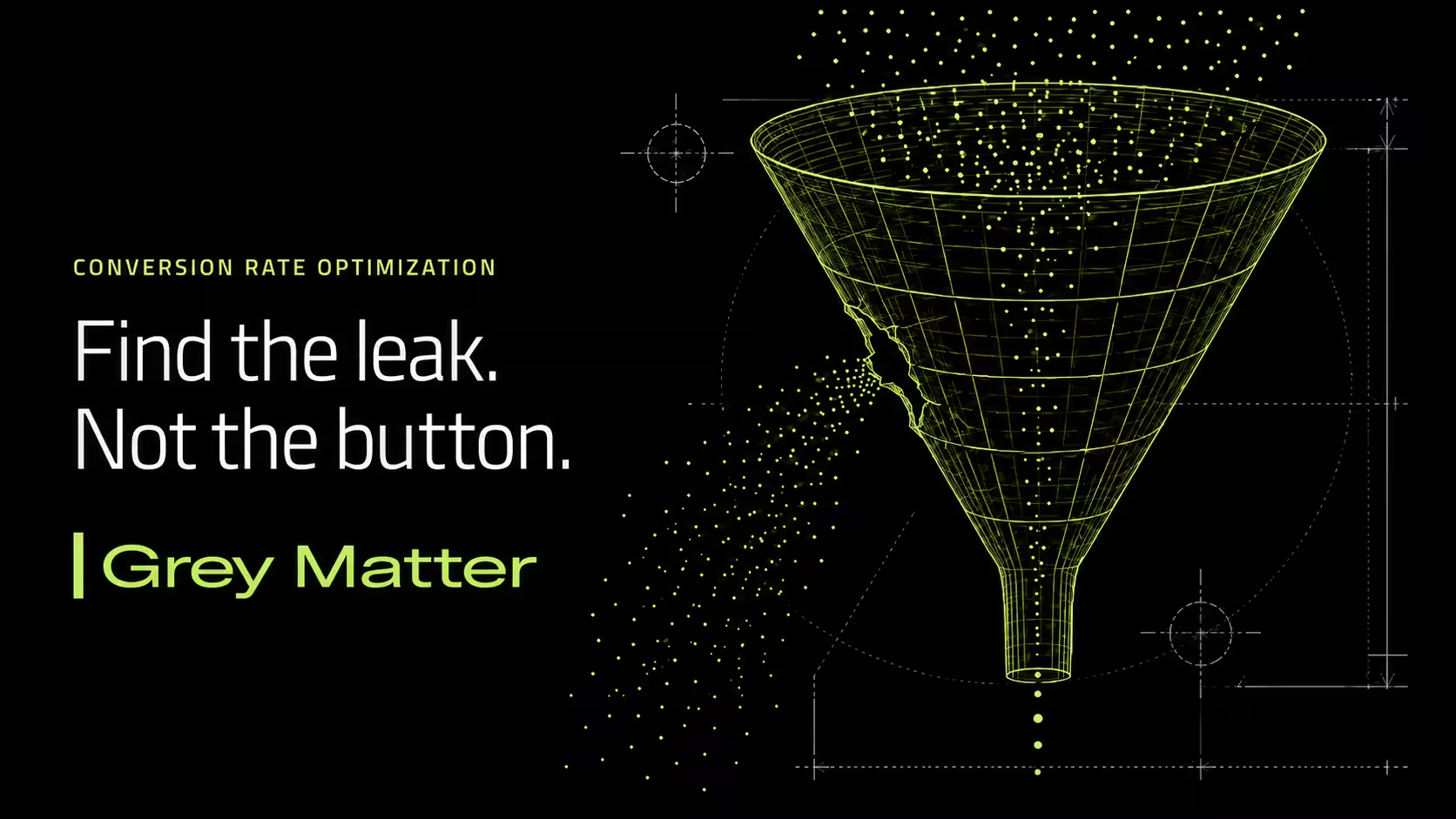
Your team just spent a sprint testing three shades of blue on the “Request a Demo” button. The winning shade lifted clicks by 4%. Everyone celebrated. Ninety days later, pipeline from the website was flat.
That’s most B2B conversion rate optimization in one story. Busy work on the button while the real leak sits two steps up the funnel, where the wrong visitors land on a page that never answers the one question they came with. You can win a hundred button tests and still lose the deal, because the rate you moved wasn’t the rate that matters.
Here’s how to run conversion optimization as a system that produces qualified pipeline, not a highlight reel of micro-wins.
What Is B2B Website Conversion Rate Optimization?
B2B website conversion rate optimization is the systematic process of increasing the share of qualified visitors who take a revenue-relevant action on your site: requesting a demo, starting a quote, booking a call, or downloading something that signals real buying intent. It’s a loop, not a task list. You measure where visitors drop, form a hypothesis about why, change one thing, and prove whether it moved qualified pipeline.
The word doing the work in that definition is “qualified.” In B2B, the goal isn’t more form fills. It’s more of the right form fills from people who can actually buy. Miss that, and optimization makes your numbers prettier and your pipeline worse.
A Conversion Is a Qualified Lead, Not Any Form Fill
Strip a demo form down to a single email field and your conversion rate will jump. It almost always does. Then sales spends the next quarter chasing students, competitors, and tire-kickers, and win rates fall. You optimized the rate and de-optimized the business.
This is the trap of chasing a number in isolation. The metric that matters is qualified conversions: the visitors who match your buyer and show real intent. Ruler Analytics defines a conversion as a qualified lead rather than any newsletter signup, which is exactly the right bar. Count what sales can sell, not what makes the dashboard green.
So before you optimize anything, agree with sales on what a qualified lead actually is. Every test after that measures the right thing.
What Counts as a Good B2B Website Conversion Rate?
Here’s the honest answer: your best benchmark is your own baseline last quarter. Cross-industry averages are useful for a gut check and useless as a target.
For the gut check: the median B2B website converts at about 2.9%, which breaks down into roughly a 1.7% form rate and a 1.2% call rate, per Ruler Analytics’ data across 14 industries. Most B2B sites land between 2% and 5%. But that average B2B website conversion rate hides enormous variation. Legal services sites can run north of 7%, while some B2B SaaS categories sit closer to 1%.
Because the spread is so wide, we keep the full benchmark tables on a separate page instead of reprinting them here. For the numbers by industry, deal size, and channel, use our B2B website conversion benchmarks breakdown. That page is what-good-looks-like. This one is how you get there.
The point of a benchmark isn’t to hit an industry average. It’s to know your starting rate so you can prove your changes beat it.
Why B2B Conversion Optimization Is Different from B2C
An ecommerce site can run a clean A/B test before lunch. It has 40,000 checkouts a week and a five-minute buying decision. You have 40 demo requests a month and a buying committee that takes 6 to 18 months to decide. The playbook that works for one breaks for the other.
Three differences drive it. Your traffic is high-value and low-volume, so you rarely reach statistical significance on a single page test. Your buyer is a committee, so the page has to satisfy an engineer, a procurement lead, and a finance approver who each want different proof. And most of the decision happens before anyone talks to you: B2B buyers spend just 17% of the purchase journey meeting with potential suppliers, according to Gartner. Your website works the other 83% without you in the room.
So B2B conversion rate optimization leans harder on qualitative diagnosis than pure testing. Session recordings, heatmaps, and sales feedback tell you more than a stalled A/B test on thin traffic ever will. You still test. You just don’t wait on math that will never arrive before fixing an obvious problem.
The B2B Website Conversion Rate Optimization Framework
Run these in order. Each step earns the next one. Skip to step seven and you’ll test your way in a circle. These are the best practices for B2B website conversion optimization that actually move qualified pipeline.
Find the leak before you touch the page. Build a funnel in GA4 and watch where qualified visitors drop: landing page, pricing, form start, form submit. Then watch real sessions in Microsoft Clarity to see the rage clicks, dead clicks, and the exact field where people quit. Fix the biggest leak first, not the easiest one.
Fix the message before the mechanics. A visitor decides in about five seconds whether your page is about their problem or your product. If your hero leads with “We deliver innovative solutions,” you’ve already lost the ones who came with a specific problem. Lead with the problem they’re trying to solve, then connect your capability to it. No button color rescues a headline that talks about you.
Cut form friction to the fields sales will actually use. Every field costs you conversions. Ask for what sales needs to work the lead and nothing else. If your rep never once looked at “company size” before the first call, delete it. Capture the essentials on the form and enrich the rest automatically after.
Give every page one obvious next step. A page with five calls to action has none. Pick the single most valuable action for that page and make it the loudest thing on it. Demote everything else. Competing CTAs split attention and kill conversion.
Prove trust with specifics, not slogans. Vague social proof is wallpaper. Specific proof is a reason to buy.
Weak: “Trusted by industry leaders.”
Strong: “Chosen by 3 of the 5 largest cold-chain logistics providers in North America.”
Named clients, quantified results, and real numbers do the convincing that adjectives can’t.
Respect load time and mobile. Speed is conversion. As a page’s load time goes from 1 second to 3 seconds, the probability that a visitor bounces climbs 32%, per Google’s research. Your buyers research on phones between meetings. If the page crawls or the form is a pinch-and-zoom mess, you’re leaking pipeline before anyone reads a word.
Test honestly, and only what matters. Prioritize tests by traffic and intent: your highest-traffic, highest-intent pages first. Change one variable at a time, and let the test run long enough to mean something. On thin B2B traffic, don’t declare a winner off 30 conversions and a good feeling. When volume is too low to test, decide from session data and sales input instead.
Measure conversions as pipeline, not form fills. Connect the form to your CRM and track each conversion through to a qualified opportunity and closed revenue. When you can tie a $120,000 deal back to the comparison page that first converted the buyer, conversion optimization stops being a design exercise and becomes a growth lever the CFO understands.
The Conversion Killers We See Most
Audit dozens of B2B sites a year and the same leaks show up. A hero section that describes the company instead of the buyer’s problem. A primary CTA buried below three scrolls of history. An 11-field form guarding a simple content download. Social proof that says “trusted by many” and proves nothing. Pages that take four seconds to load on mobile. And the quiet killer: one page trying to do five jobs, so it does none of them.
None of these need a redesign. They need a diagnosis and a fix, in priority order. If your site is losing people and you’re not sure where, start with the symptoms in why your B2B website isn’t converting and work back to the cause.
Frequently Asked Questions
What is B2B website conversion rate optimization?
B2B website conversion rate optimization is the systematic process of increasing the percentage of qualified visitors who take a revenue-relevant action on your website, such as requesting a demo, starting a quote, or booking a call. It works as a loop: measure where visitors drop off, hypothesize why, change one element, and verify whether the change improved qualified pipeline rather than raw form volume.
What is a good conversion rate for a B2B website?
The median B2B website converts at roughly 2.9%, and most sites fall between 2% and 5%, though rates vary widely by industry, deal size, and funnel stage. Treat those figures as a gut check, not a target. Your most useful benchmark is your own site’s rate last quarter. See our B2B website conversion benchmarks page for the full breakdown by industry and channel.
How is B2B conversion optimization different from B2C?
B2B traffic is high-value and low-volume, buying decisions involve a committee over 6 to 18 months, and most of the decision happens before a buyer contacts sales. So B2B conversion rate optimization relies more on qualitative diagnosis (session recordings, heatmaps, sales feedback) and less on high-volume A/B testing, which often can’t reach significance on a single B2B page.
What are the best practices for B2B website conversion optimization?
Find the biggest funnel leak first, fix your messaging before design mechanics, cut forms to the fields sales actually uses, give each page one clear call to action, prove trust with specific and quantified social proof, keep pages fast on mobile, test your highest-intent pages honestly, and measure every conversion through to qualified pipeline and revenue.
How long does conversion rate optimization take to show results?
Quick fixes like removing form friction or clarifying a headline can lift conversions within weeks. Structural work such as repositioning messaging or rebuilding key pages compounds over a quarter or two. Because B2B sales cycles run 6 to 18 months, revenue attribution trails the conversion lift, so track leading indicators like qualified leads early.
What tools do you need for B2B CRO?
At minimum: GA4 to find where visitors drop, Microsoft Clarity for session recordings and heatmaps, a CRM like HubSpot to connect conversions to pipeline, and an A/B testing tool for pages with enough traffic to test. The tools are cheap. The discipline of measuring qualified pipeline instead of raw form fills is the hard part.
The Rate Is a Symptom. The System Is the Fix.
Every visitor who leaves your site without converting is a buyer who went to research a competitor instead. You won’t see them in your CRM. You’ll see them in a shortlist you never made.
Conversion rate is a symptom, not the disease. Chase the number and you’ll optimize forms into worse leads and celebrate button tests while pipeline stalls. Build the system, find the real leak, fix the message, prove the trust, and measure to revenue, and the rate takes care of itself.
The question isn’t whether your website could convert better. Almost every B2B site can. It’s what you do about it: find the real leak, or repaint the button one more time.
Want to know exactly where your site is leaking pipeline? Get a free B2B website conversion audit and we’ll show you the specific pages costing you qualified leads and what to fix first. If it’s time to rebuild around conversion, see how we build B2B websites that convert.
Want a strategy built around this? Get a free B2B marketing diagnostic →